Pencil Drawing Tutorial - Yunoko
 Posted: Sat Nov 18, 2006 9:05 pm
this tutorial demonstrates how to convert an image to a pencil drawing.
Step 1
Paste an image on your canvas.

Step 2
With the image selected click on Filters>Others>Find Edges. The image is darkened with the lines highlighted.
Step 3
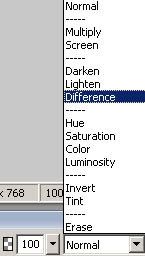
Go to the Properties window below the screen and click on Blend Mode and select Difference.
Step 4
Click on Filters>Sharpen>Sharpen. The lines appear a little darker.
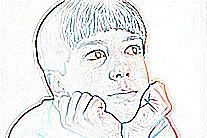
other examples:

to this
Step 1
Paste an image on your canvas.
Step 2
With the image selected click on Filters>Others>Find Edges. The image is darkened with the lines highlighted.
Step 3
Go to the Properties window below the screen and click on Blend Mode and select Difference.
Step 4
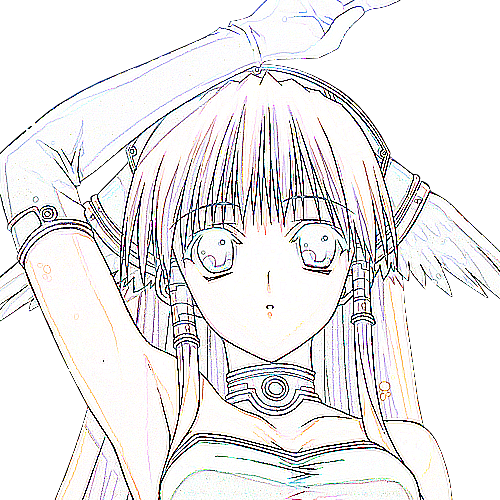
Click on Filters>Sharpen>Sharpen. The lines appear a little darker.
other examples:
to this