PS5 App Editor |
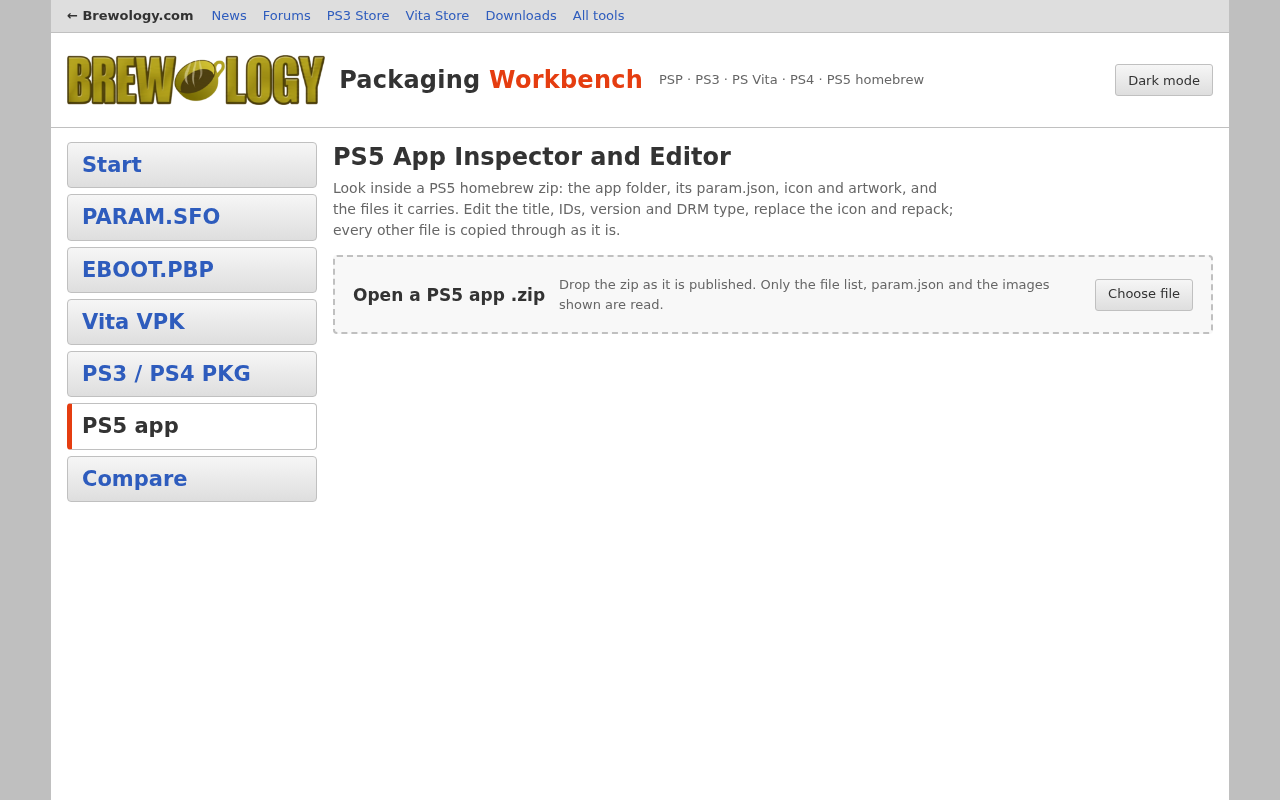
An online editor for PS5 homebrew, which is usually shared as a zip of the app folder rather than as a PKG. Open the zip to see the title in each language, the title ID, content ID, version and DRM type from sce_sys/param.json, the icon and any PNG artwork, and every file inside. Change the titles, IDs, version or DRM type, replace the icon (a picture of the wrong size can be fitted to 512×512), and download the repacked zip: only the values you change are rewritten, and every other file is copied through as it is.
Before you publish, it runs the checks the Brewology store uses: an eboot.bin, a title, a title ID that matches the content ID, a content ID written the way Sony writes them, the “free” DRM type homebrew uses, and a 512×512 icon, with one-click fixes for a content ID of the wrong length and the wrong DRM type. A new title ID or content ID makes the PS5 install a separate app rather than update the old one, and the tool tells you so.
Open the PS5 App Editor →