|
|
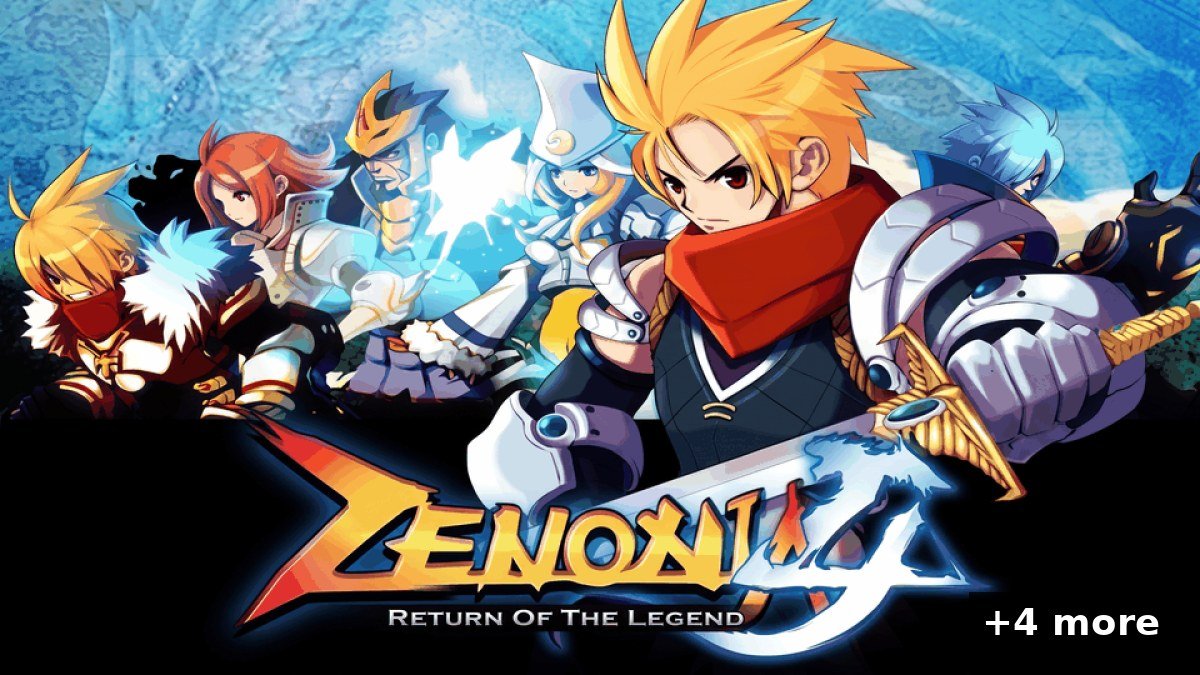 5 PSVita homebrew apps were updated in the Brewology PSVita Store today:
 Zenonia 4 Vita v1.2.0 by MetalSyntax
Zenonia 4 PS Vita Port v1.2.0 — Multi-Core Sprite Rendering
Release Tag: 1.2.0
🚀 What's New in v1.2.0
- 🧵 Uses all 3 CPU cores for sprite drawing. Large sprites are split into horizontal bands and drawn on cores 0, 2 and 1 at the same time, producing exactly the same pixels as the original renderer. The game now shows 15–20 FPS in combat (was 10–12) with AUTO frame skip, and ~17 FPS with frame skip OFF. Game speed stays at the original 23. Audio keeps priority on its core.
- ⚙️ Frame skip in the options menu. START + SELECT now has Frame skip, Frame rate and On-screen buttons, each with its shortcut shown. The frame skip choice is saved too.
⚠️ Known Limitations
- The heaviest scenes can still dip to ~12 FPS.
- All three CPU cores show high usage while playing, which is expected: the helper threads wait for sprites without sleeping, to react instantly. They sleep when the game isn't drawing.
Full release notes in the store
 Zenonia 3 Vita v01.40 by MetalSyntax
Description
Performance, controls and quality-of-life update. Installation is unchanged from v01.30 (the UI assets drawable/ and html/ still come from your own APK). This VPK contains no copyrighted game assets.
What's New
- Combat lag fixed: the 30 fps cap no longer drops to 20 fps whenever a frame takes slightly longer (the vsync wait now runs on vitaGL's display thread). Input events are no longer limited to one per frame, so movement and attacks respond immediately and no longer get lost.
- Sharper image: the 400×240 game image is upscaled with nearest-neighbour filtering instead of bilinear (no more blur, no garbage line at the screen edge).
- PS Vita options menu (Start + Select): remap every action (Cross: set, Square: add, Triangle: clear), choose 30 fps or 22 fps (the original game speed), show/hide the on-screen buttons, restore defaults. Saved to
ux0:data/zenonia3/config.txt and controls.txt (also editable by hand). The game pauses while the menu is open.
- Hotkeys: R + L shows/hides the on-screen buttons (hidden ones still respond to touch), R + Select switches 30/22 fps.
- Left stick now moves the character.
Full release notes in the store
 Tweebbo Vita v1.4.13 by Tweebbo
Tweebbo for PlayStation Vita 1.4.13
Walking with the stick and D-pad now follows the screen. This update connects to the public hotel at tweebbo.lol.
- The stick and D-pad walk in eight screen directions, so up moves up on screen instead of along the room's tile axes.
- A stick held near a direction boundary keeps one direction instead of flickering between two.
- Diagonal steps no longer cut through corners and slide along walls and furniture instead.
- Releasing the stick stops at the next tile, and changing direction without a pause keeps walking without stutter.
- Menus, pool diving and touch walking are unchanged.
Saved characters, rooms, credits, pets and furniture are kept. Keep your saved identity files or recovery code. Restart Tweebbo after installing the update.
Full release notes in the store
 Riptide GP Vita v1.0.3 by MetalSyntax
Google Play leftovers replaced offline: no more Sign In button, achievements and records screens work.
What's new in 1.0.3
- Google Sign In button removed from the bottom-left of the main menu. The game now signs in "offline" with your PS Vita username.
- Achievements screen opens from the menu (the game's own list, with your progress).
- Leaderboard shows your personal records. Without online servers, the table lists your best time on every event you have completed (Race = total time, Hot Lap = best lap).
- Trophies from 1.0.2 keep working as before.
Updating from 1.0.2: install the new riptidegp.vpk over the old one. Data files and your save stay as they are.
Requirements
Full release notes in the store
 Pocket Shelf vshelf-v0.6.0-beta.1 by fthdgn
Pocket Shelf can now list the games in your own folders and start them in standalone emulators (DaedalusX64, DSVita, NooDS, Flycast, ScummVM and PCSX AwO) as well as RetroArch and Emu4Vita++, choose a game's core, and take box art and backdrops from any folder.
Install pocket-shelf.vpk with VitaShell, or update from SELECT ▸ System ▸ Updates on the Beta channel. Your settings, categories, title changes, artwork and game data carry over; no setting changes value.
New
- Folder categories (SELECT ▸ Games ▸ Categories ▸ New folder category): pick a folder with Use this folder and name the tab. The tab lists the games in the folder and its subfolders that no RetroArch playlist lists. Each file's console is found from its extension, the files in a
.zip, a disc image's header (PlayStation, Saturn, Mega-CD, a Mega Drive .bin, a PS1 EBOOT.PBP, through a .cue or .m3u) or its folders' names (snes, psx, Mega Drive…). The tracks a .cue, .gdi or .m3u names are not listed on their own, and a disc.gdi or EBOOT.PBP takes its folder's name. ○ on a folder category edits its folder and name; the manager shows each one's folder and number of games.
- Rescan this tab (SELECT, above Language): reads again only what fills the open tab — the installed apps for Games, Homebrew and System, the PSM titles, Adrenaline's games and the playlists for PSP and PSX, the playlists and emulator folders for a console's tab, a folder category's folder — and keeps the rest of the list. On Last Played, Favorites and your own categories it is a full rescan.
- Standalone emulators: games start in these when installed, straight into the game:
- DaedalusX64 (Nintendo 64), DSVita (Nintendo DS), NooDS (Nintendo DS, Game Boy Advance), Flycast (Dreamcast), PCSX AwO (PlayStation).
- Their own game folders are read at each scan and their games join the console tabs: DaedalusX64's
Roms folders and the folder set in its menu, DSVita's ux0:data/dsvita, Flycast's content folders, PCSX AwO's ux0:data/pcsx-awo/roms and its rom_folders.txt. NooDS keeps no folder: use a folder category.
Full release notes in the store
Download them from the Brewology PSVita Store.
|