

|
Saurik has just recently pushed an updated version of his popular Cydia Installer for jailbroken iOS devices. With the update comes increased performance and an updated UI and icon for iOS 7. READ FULL STORY for complete changelog |
|
| Posted in Apple, Brewology | No Comments » Tags: Apple, cydia, iOS, ios7 | |

|
As promised at the 2013 Entertainment Expo, and officially unveiled at this year’s E3 less than a week ago, the fan-favorite military sci-fi series Halo will continue this Holiday Season. Coming November 11, 2014, Xbox One owners will once again be able to relive the classic Halo journey with all improved graphics and multiplayer running on each game’s original engine all on One console.
The collection includes all 100 multiplayer maps from the 4 Master Chief oriented Halo games, each running at 1080p/60fps for the first time. In addition, 6 Halo 2 maps will be given the complete Anniversary treatment, rebuilt upon a new Xbox One Engine. For those who love the Halo Campaign story, 343i has included every campaign mission unlocked, including newly created terminals in Halo 2 to help introduce story elements for the upcoming Halo 5. READ FULL STORY for In-game screenshots |
|
| Posted in Brewology, XBox | No Comments » Tags: Halo, One, XBox, Xbox One | |

|
I hope Brewology will one day be a thriving community as it once was. |
|
| Posted in Brewology | 4 Comments » | |

|
IrisManager is an open source manager originally developed by Estwald (aka Hermes) and D_Skywalk, based on HermesManager. It is a completly legal open code manager Made with Homebrew tools. Supports the custom firmwares: 3.41 (Hermes), 3.55 (Kmeaw), 4.21 & 4.30 CEX (with LV1 access, IMPORTANT: After installing the PKG, restart the PS3, if Iris Manager was loaded before. What’s New in version 2.93:
- Updated the ISO tools ( PC_ps3iso_utilities_with_src_v1.8.zip ) to patch ISO games
with required FW version up to 4.60 in patchps3iso
- By request of Lustar ( GameTDB ) I have introduced a new system to update the covers (covers):
Iris Manager now use the User Agent "IrisManager - v2.93" to access that server.
- In the game updates, the User Agent was changed also to simulate a PC
- Added support ( for Cobra / Mamba ) for Bluray movies, DVD Video and MKV (using "BluRay Drive"
on Showtime).
In the "Homebrew" category the homebrews/PSN are listed first and in the new "Films" category
(only the movies are listed)
NOTE 1: As a reminder, pressing R3 / L3 you access the various categories.
* Supports internal (hdd0) and external hard drives in NTFS, EXTx or FAT format.
* The bluray movies should be in the root folder /BDISO, the DVD movies in /DVDISO (as in multiMAN).
Subfolders are allowed and a JPG with the same name as the ISO is supported as cover
(e.g. my_film.iso -> my_film.jpg as cover).
The display name is taken from the file itself, so it is recommended to edit it if it is too long
or non descriptive.
* The MKV should go in the root folder /MKV.
Subfolders are allowed and a JPG with the same name as the ISO is supported as cover
(e.g. my_film.mkv -> my_film.jpg as cover).
The display name is taken from the file itself, so it is recommended to edit it if it is too long
or non descriptive.
After selecting a movie, an ISO is created dynamically to associate with the BDVD unit,
then Showtime is launched to play it.
NOTE 2: For films the Options menu (accessed with SELECT) is not available.
NOTE 3: We have also made other changes to the code level, such as the inclusion in main.h
of the tags that define the internal flags for the games / movies.
I hope that I have not screwed it up in the translation of the code.
NOTE 4: In principle, the support for /BDISO and /DVDISO was included thinking on those who have
a broken the Bluray drive. Since we were doing this, MKV support was added (creating
a dynamically ISO) if someone wants to use such films using covers.
Showtime can play perfectly these movies with its NTFS support and it also allows you
to navigate freely between directories: this option is mainly for geeks.
Download Iris Manager from the Brewology Store. You can download the source code, compilers (Win32) and libraries from here: The official package for Iris Manager 2.93 can be downloaded from: |
|
| Posted in Brewology, PS3 | 7 Comments » Tags: Enter your zip code here | |
 Estwald have released a new version of Iris Manager v2.93
|
It is not longer needed to downgrade to 3.55 to get your root key, which is useful to access the content of your PS3 HDD on the PC or convert your CEX to DEX, among other uses. Howto —– * install package * Unplug all USB devices * run eEID_RKDumper from XMB * It will show a black screen (no GUI) for 10-15 seconds, then 3 beeps and restart the console automatically * FTP (other otherwise) retrieve your eid_root_key / PCK1 from /dev_hdd0/tmp/eid_root_key or for 4.50 in /dev_hdd0/game/FLTZ00010/USRDIR Download it from the Brewology Store. News Source: PS3HAX |
|
| Posted in Brewology, PS3 | No Comments » | |
 flat_z has ported his “amazing” EID Root Key Dumper to dump the root key of your PS3 directly from GameOS on 4.50 (CEX).
|
Download it from the Brewology Store. |
|
| Posted in Brewology, PS3 | 1 Comment » Tags: Enter your zip code here | |
 Alexader has released Unofficial Iris Manager v2.68U (Final).
|
Current Features:
Planned Features for next releases:
Download it from the Brewology Store. Application’s Homepage: http://blog.tabinda.net/playstation-3/playstation-3-cloud-drive/ News source: ps3hax |
|
| Posted in Brewology, PS3 | No Comments » | |
 M.H.A.Q.S. has released PS3 Cloud Drive v1.1.5.
|
To be clear, PSChannel will look only in the NP (not SP-INT or QA) environment. in the next update i will try to add SP-INT env for dex console (SP-INT gives me “404 + not allowed”). PSChannel has nothing to do with SONY or any trademarks owned by sony. PSChannel will only search updates for NP******* BL******* BC******* XC******* UL******* MR******* APPID with the USER AGENT ["Mozilla/5.0 (PLAYSTATION 3; 2.00)"] How to change language: To change language just go to the main menu, press square, then triangle till you find your language. This is the order of the langs EN,PT,SP,IT,FR,DE,RU,NL Bug reports here: https://github.com/wargio/PSChannel/issues Want to add a language? send me (deroad) a private message on one of the followings forums Brewology/PS3HAX/PSX-Scene. I want to thanks for:
Wargio/deroad will NEVER request donation for this Homebrew.please remember that deroad (aka Wargio) created this and not other people. Download it from the Brewology Store. |
|
| Posted in Brewology, PS3 | No Comments » | |
 deroad has released PSChannel v1.10.
|
Main Features (Quick List)
Download it from the Brewology Store. |
|
| Posted in Brewology, PS3 | No Comments » | |
 CaptainCPS-X has released PS2 Classics Manager v1.02.
 |
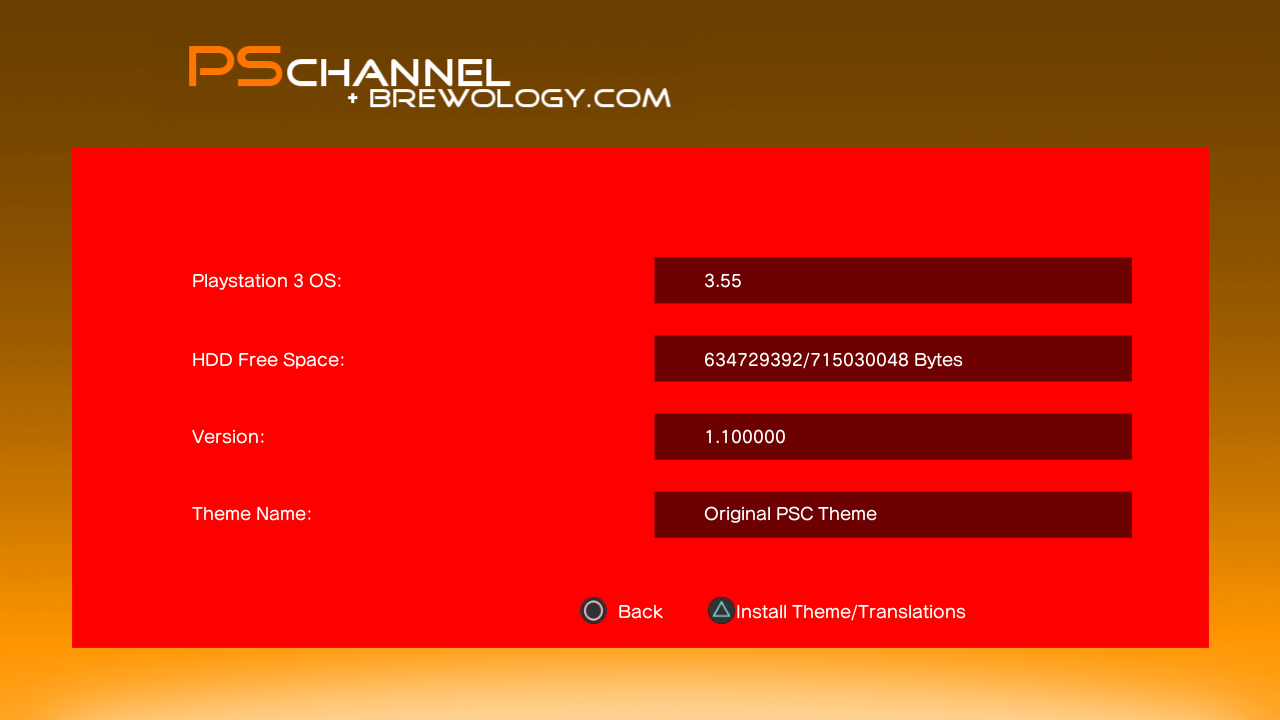
This version will bring some improvements like allow fast translations of the homebrew. Now you can install a theme or a translation easily and choose the pkg to download. in this way if you are on 3.55, you can install the 3.55 version, if on dex, the DEX/unsigned version, etc..
INSTALL A THEME TRANSLATE THE HOMEBREW You will find opium theme and the original Categories.txt and Lang.txt links at the end of the news.
Changelog:
https://www.dropbox.com/s/i9g3vguu65qgi27/psc_theme.zip Blue Theme by Opium2k Download it from the Brewology Store. |
|
| Posted in Brewology, PS3 | No Comments » | |
 deroad has released PSChannel v1.09.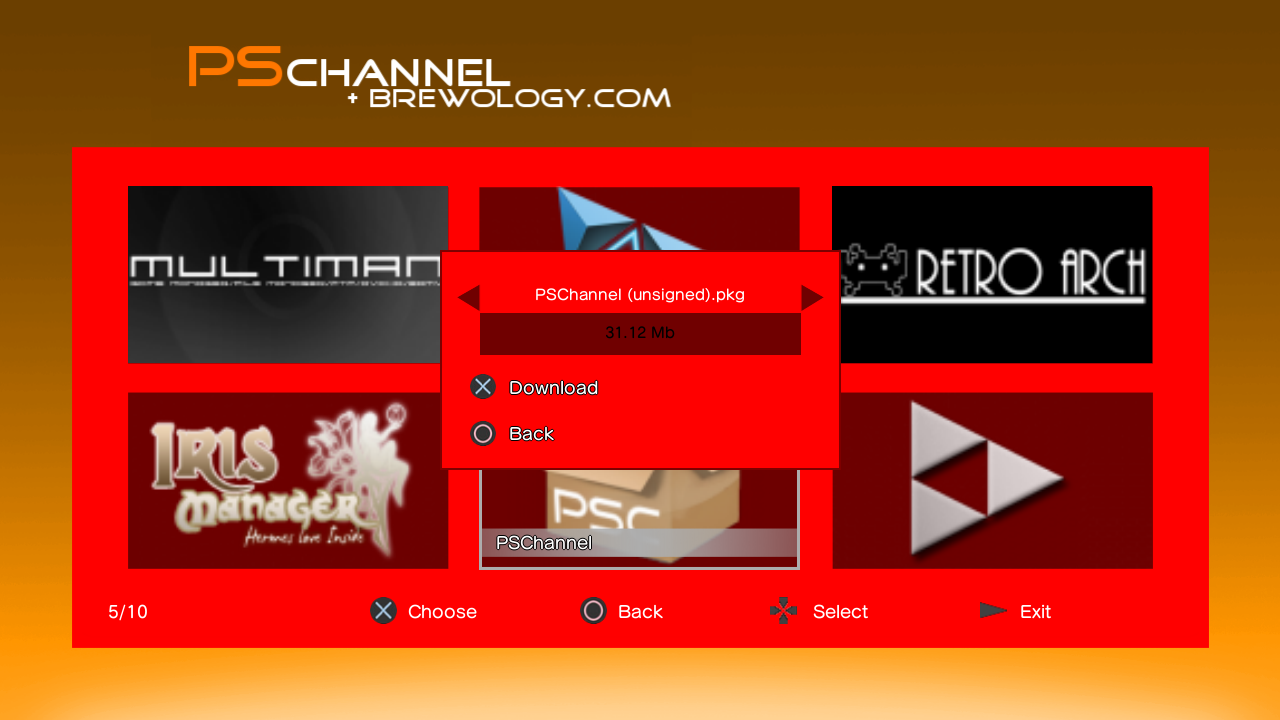
| « Previous Entries | Next Entries » |